Try Google — Advanced query builder, operator diagnostics and research plan now, no sign-up needed

Google — Advanced query builder, operator diagnostics and research plan · The exact query, built and explained
For people who search for work —law firms, recruiting, procurement, press, academia, public sector—: you describe what you need to find and you walk away with the query assembled piece by piece, an explanation of what each operator does and the link to launch it. The app doesn't search Google: it builds the search.
In the features that use AI, responses are generated by artificial intelligence and are not a substitute for professional advice.
You know the document exists, but Google sends you blogs that mention it instead of the official PDF?
Hardly anyone goes beyond typing three words into the search box, and the articles that explain how to do it better still recommend operators that Google retired years ago. This app builds the query for you from 11 fields —site or domain, file type, literal phrase, exclusions, alternatives, date range— and explains piece by piece what each operator does and what mistake people make with it. And if you already have a query that isn't working, you paste it in and the diagnosis tells you why: it looks for 22 different problems, flags the retired operators and gives you back the corrected version, ready to copy. The builder and the diagnosis run in your browser, so they're free, with no sign-up and no usage limit.
See the tools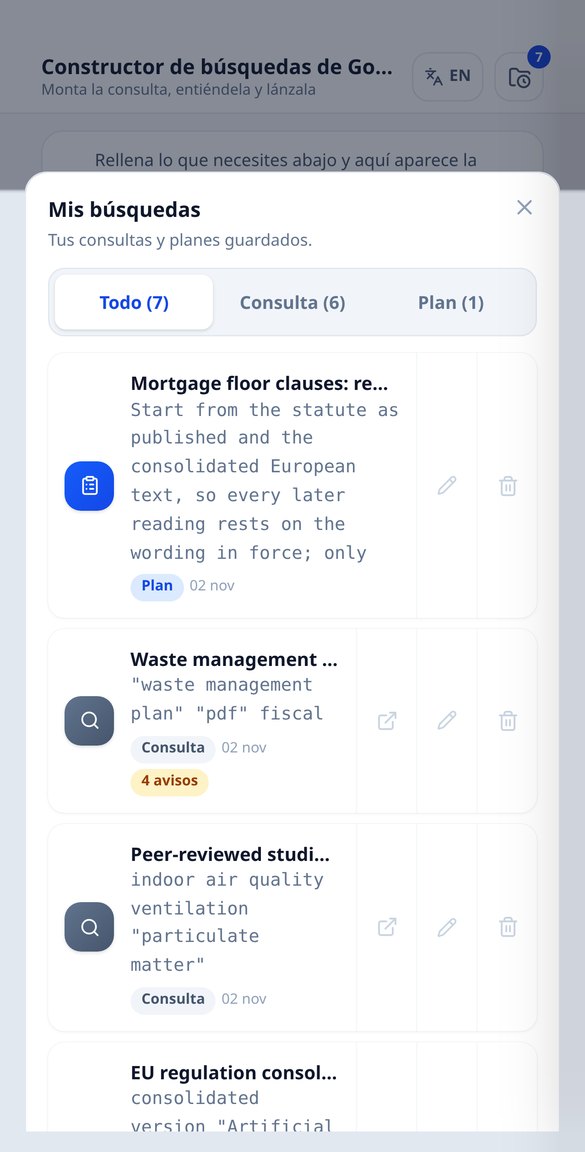
Discover every feature in detail
Google Query Builder: site:, filetype:, and Operators Step by Step
Build your Google search by filling in fields: site:, filetype:, exact phrase, intitle:, OR, exclusions, and date range. With explanations for each operator and a link to launch it. Free and no registration required.
Try it free
My Google search isn't working: diagnose and fix your query
Paste your Google query and we'll tell you what's wrong: 22 syntax errors and the operators that Google removed (link:, cache:, daterange:). Corrected and ready to copy. Free and no registration required.
Try it free
Advanced Google searches by trade: 39 ready-to-use recipes
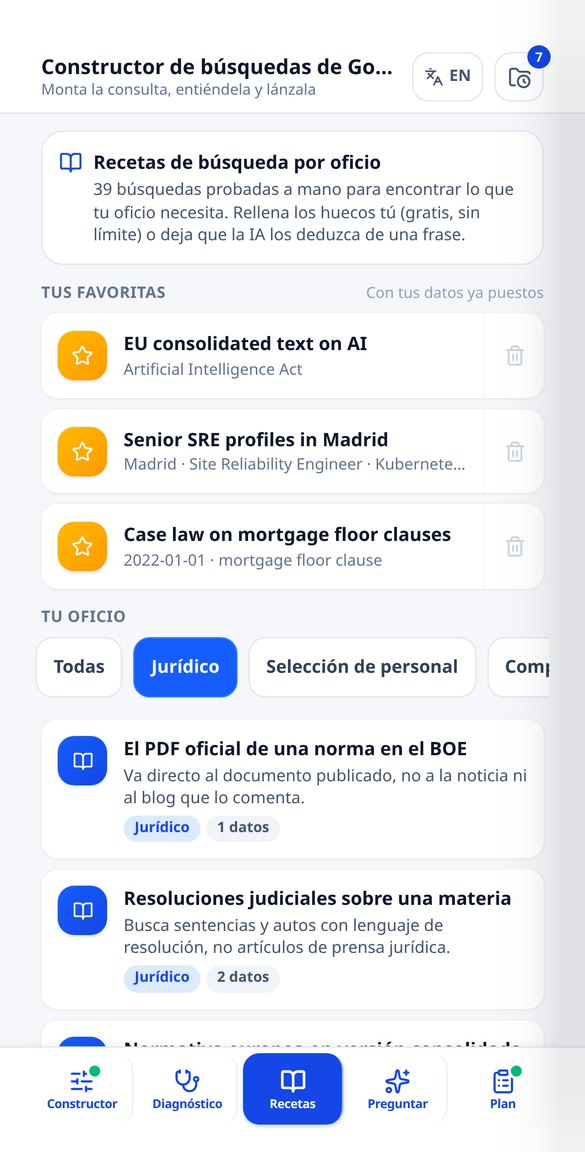
Catalog of 39 tested Google searches across 9 trades: legal, recruitment, purchasing, journalism, academia, and public sector. Fill in the details and launch it. Free and no registration.
Try it free
Search Google in natural language: describe what you need and it generates the queries
Write in one sentence what you're looking for and get up to 5 Google queries with different strategies: broad, exact phrase, PDF, official source, and by date. With explanations and links. No registration.
Try it free
Advanced Google Search: Scholar, Patents, News, Books, Images, and Datasets
Choose from the 7 Google search engines and build the URL with their official filters: udm=14, literal mode, only reviews in Scholar, granted patents, image licenses, and year ranges. Free and no registration.
Try it free
Documentary research plan: queries, official sources, and PDF dossier
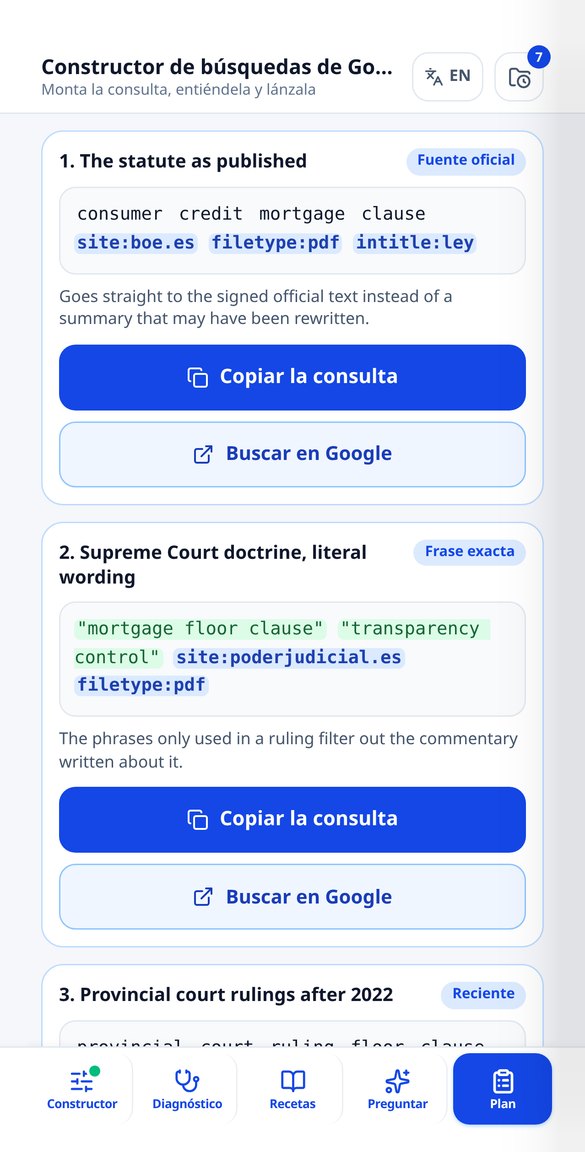
Describe the case and get up to 10 Google queries sorted by strategy, up to 8 official sources from a catalog of 30, and a PDF dossier with current operators and a verification checklist.
Try it free
Google Search Operators 2026: Those That Work and Those Retired
30 Google operators by state: 19 that work, 8 that Google has retired (cache:, link:, info:, related:, daterange:) and 3 that don't do what you think. With syntax, example, typical error, and review date. Free and no registration.
Try it freeFive sections and a catalogue with its date in plain sight
The AI only returns parameters: the query is always assembled by the same composer from a closed catalogue, so the app can't emit an operator that doesn't exist. The builder, the diagnosis and the advanced search don't use up anything.
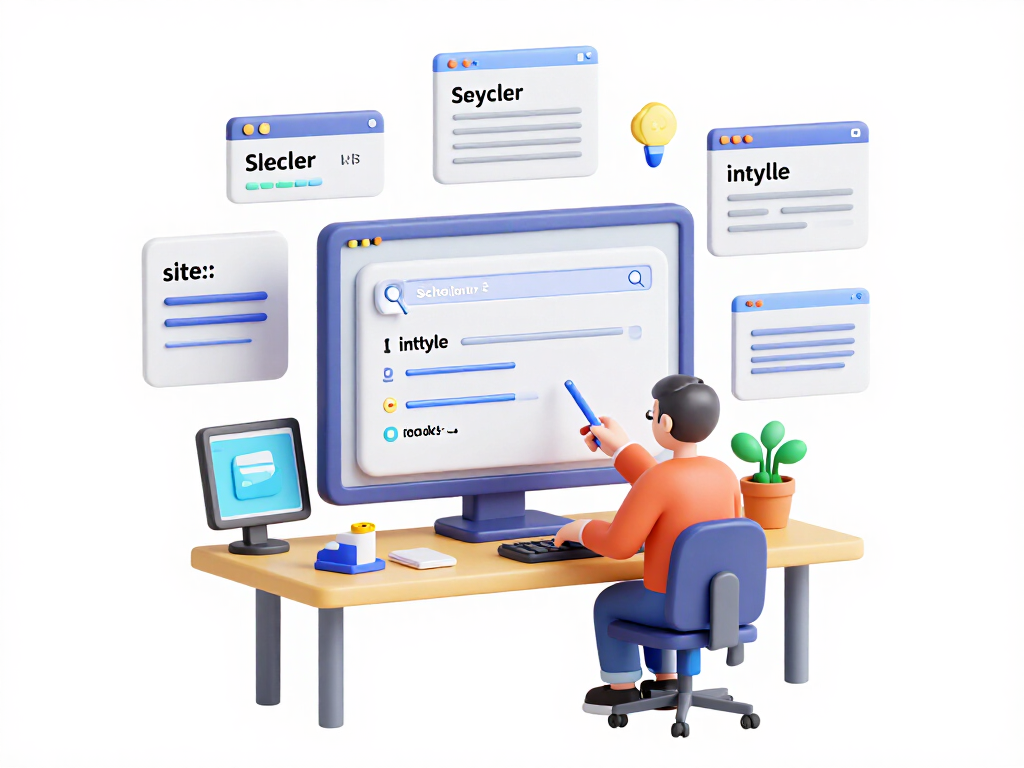
Builder with 11 fields and 7 search destinations
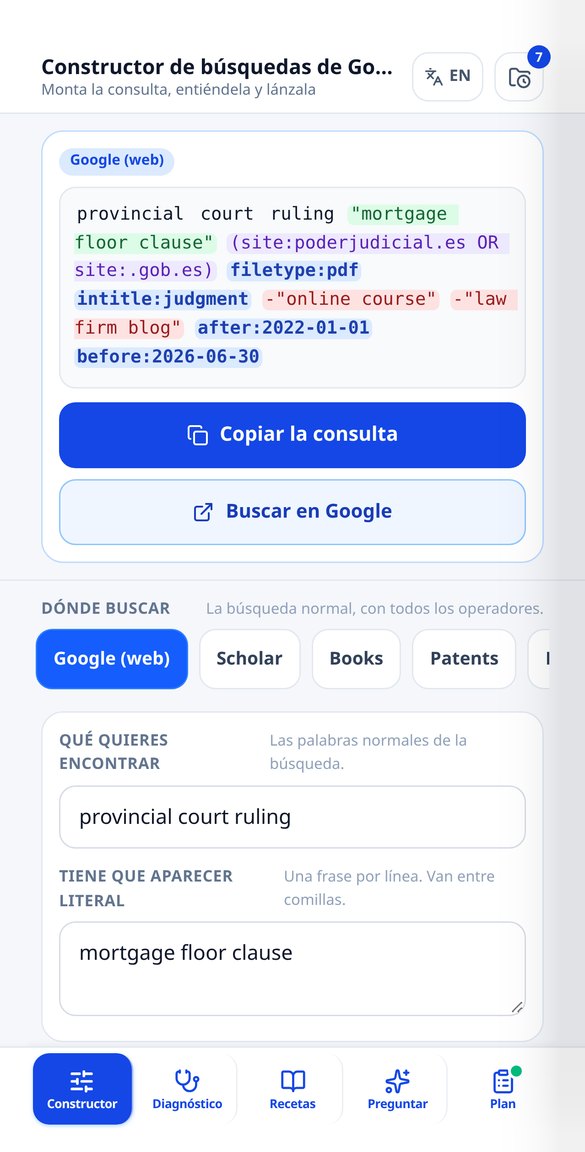
You fill in what you're looking for —words, literal phrase, one or several sites with site:, filetype:, intitle:, inurl:, intext:, alternatives with OR, exclusions with the minus sign and a date range with before: and after:— and the app composes the query and its URL as you type. You pick the destination: Google web, Scholar, Books, Patents, News, Images or Dataset Search, each with its own parameters (in Scholar the year range goes through as_ylo and as_yhi, not through an operator). It includes the two options that make the difference and almost nobody knows about: udm=14 to see only web results and tbs=li:1 to search literally, without synonyms. Every piece of the query comes with its card explaining what it does, the typical mistake and what to put in its place. And so you don't have to remember domains, a search over 30 catalogued official sources —13 Spanish, 10 from the European Union and 7 international— plus a filter for 6 languages and 13 countries.
Diagnosis: paste the query that isn't working for you
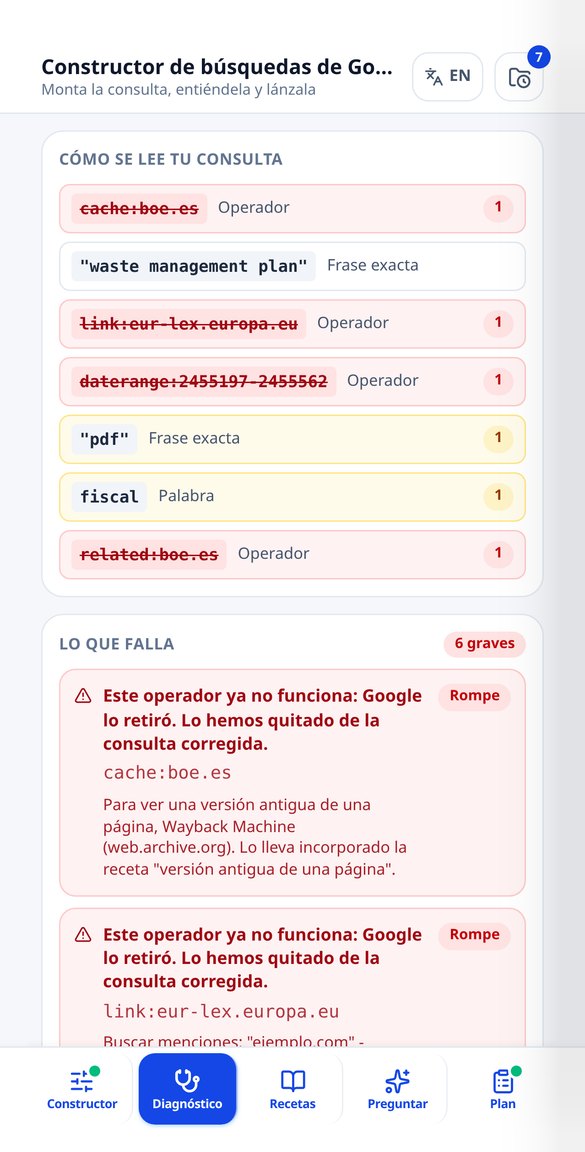
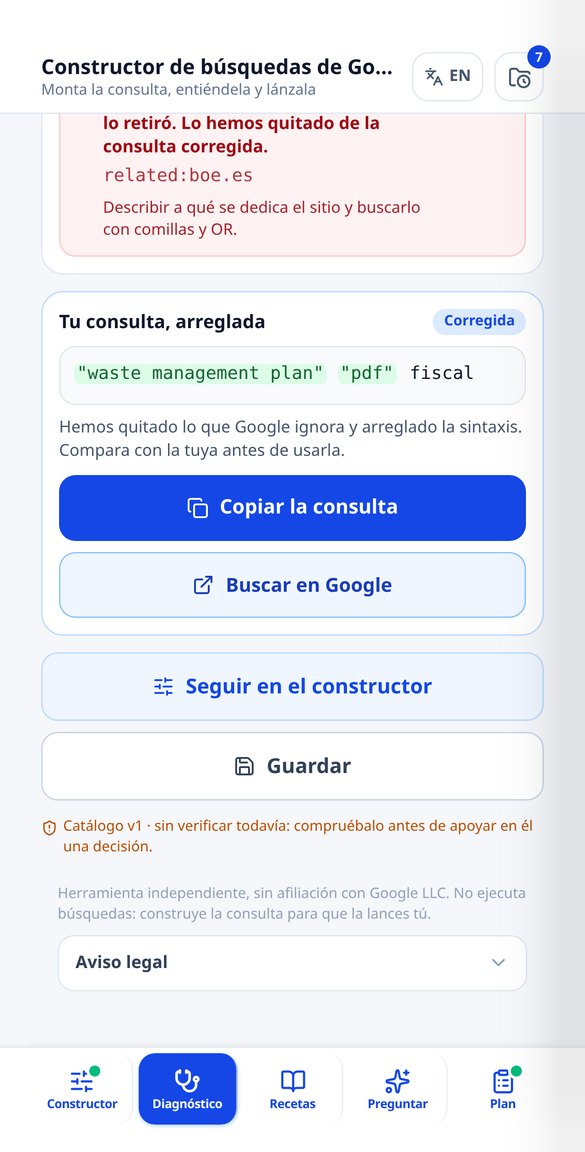
The diagnosis splits your query while respecting quotes, parentheses and the colon, and looks for 22 real problems: unclosed quotes, unbalanced parentheses, lowercase OR or AND, the space after site:, the loose exclusion hyphen, the asterisk used as truncation —fiscal* doesn't search for "fiscalidad", and that's the most repeated mistake on the internet—, badly written date and filetype formats, too many terms, the protocol crammed inside site:, and retired operators. Because of the 30 operators in the catalogue only 19 are still alive: cache:, link:, info:, related:, daterange: and phonebook: are flagged in red, explained and removed from the corrected query, and the + and ~ of yesteryear are rewritten into what does their job today. It gives you back the clean version to copy and you can send it to the builder to keep refining it. On top of that, a complete reference of the 30 operators in three sections —the ones that work, the retired ones and the ones with a trick—, each with its example.
Recipes by profession, ask in natural language and PDF dossier
39 hand-tested recipes grouped into 9 professions (legal, recruiting, procurement, press, academia, public sector, business, technical and marketing): you fill in the gaps by hand, free and with no limit, or you let the AI fill them in. In "Ask" you describe the case in natural language, in up to 700 characters, and you get several queries with different strategies —broad, literal, by file type, by official source, by date—, each with its why and its link. And the research plan, once you have an account, composes a PDF dossier with up to 10 queries ordered by strategy, up to 8 official sources chosen from the catalogue for your case, the sheet of current operators and a checklist to verify what you find; the PDF labels are written by the server, never by the AI.
From what you need to find to the query, in three steps
Get in without signing up
The app opens in your browser. The builder, the diagnosis and the advanced search for the seven destinations work without an account and with no usage limit, because they run in your own browser.
Build the query or fix the one you already use
Fill in the fields and watch the query being composed live, or paste the one that isn't working and let the diagnosis tell you what's left over, what's retired and how it's written today.
Copy it, launch it and save it
You copy the query or click "Search on Google" and it opens in a new tab. With an account you save up to 200 queries and plans in "My searches", keep up to 60 favourite recipes and download the dossier as a PDF.
Who is it for?
Built for these profiles
Frequently Asked Questions
Latest blog articles
Guides and news to get more out of it

How to Return to Link Search on Google: udm=14, the Web Tab, and Operators That Still Work (2026)
Force the classic SERP with udm=14, the Web tab, and tbs=li:1, and discover which Google operators are still working in 2026 to access the original PDF.

How to Return to Link Searches on Google: udm=14, the Web Tab, and the Operators That Still Work (2026)
How to force the classic SERP with udm=14, the Web filter, and tbs=li:1, which Google operators are still valid in 2026 and which have been retired.
Stop fighting with the search box
The builder and the diagnosis are free, no sign-up and no limit. The account is for saving and for the dossier.