MLBB Nick Validator: check if your name fits before paying for the rename card
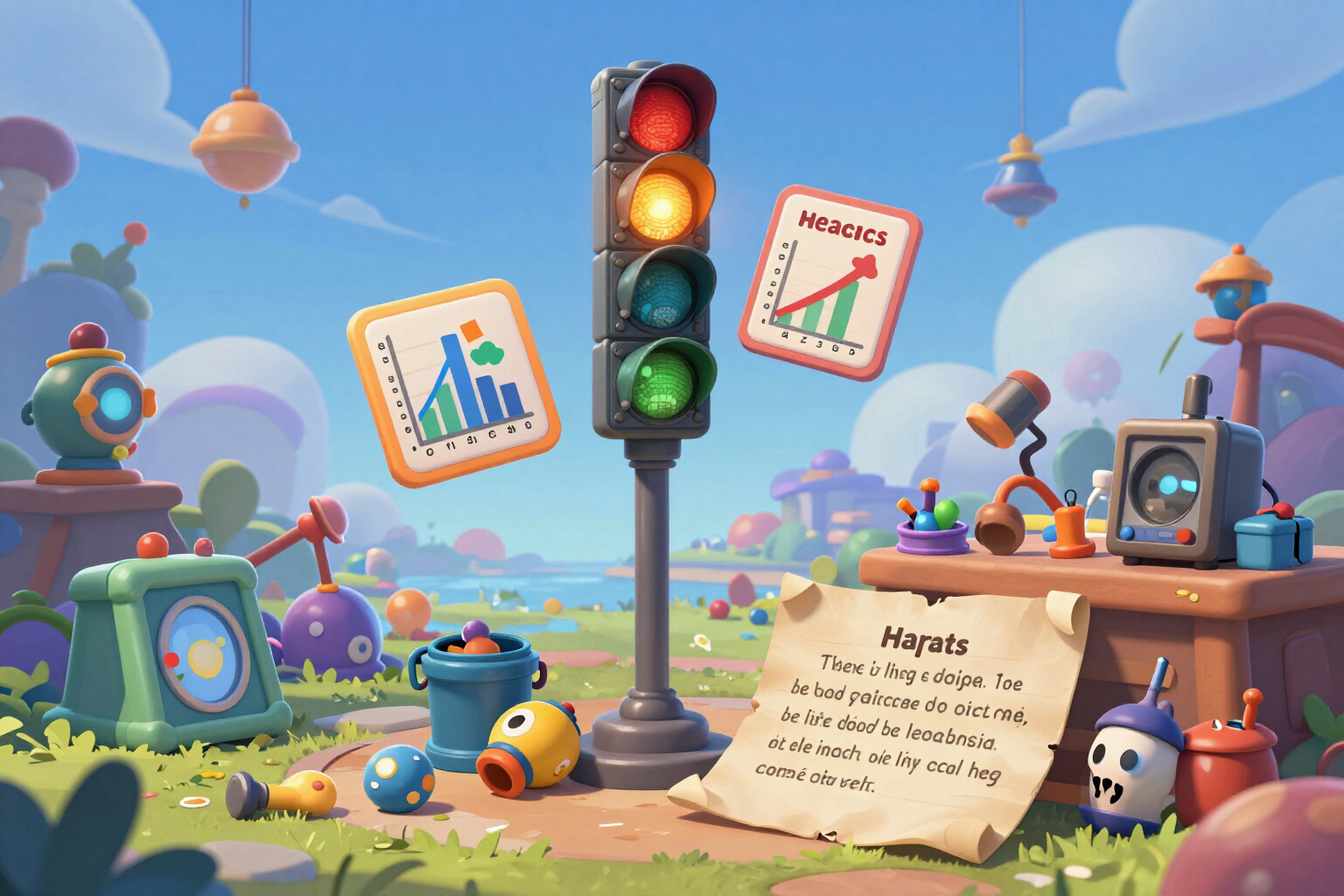
A live traffic light that measures the visible characters, bytes, and internal slots of the field simultaneously, always sending you the most restrictive data.
The problem with Mobile Legends nicknames isn't choosing one: it's that the game doesn't tell you it doesn't fit until you've already spent the rename card.
You type the name in the box, and right below the field, a bar appears that doesn’t go away: the validator's bar. It’s not a separate screen or a button you have to look for — it’s always there, updating letter by letter as you type, and it’s the first thing you see when you open the tool.
What it measures isn’t what you count by eye. It calculates three magnitudes at the same time on the same text: the actual visible characters (grouping composite symbols as a single unit, which would otherwise count double), the weight in UTF-8 bytes, and the internal slots that each glyph consumes in the name field. Then it compares the three against the limit of the field you are using — 16 for the nick, 15 for the squad name, 4 for the tag — and shows you the worst of the three, because exceeding any one of them is enough for the game to reject the name. This explains why a nickname of eight gothic letters exceeds the limit while eight normal letters fit comfortably.
The verdict comes in three colors: green when the name is safe, amber when it’s right at the limit or has glyphs we haven’t weighed yet in the game, and red when it exceeds. In red, it tells you by how much you exceed and whether the culprit is the letters or the weight of the symbols, and the "Fix it" button appears: first trim the decorations — crowns, frames, stars — and only touch the letters when there are no decorations left to remove, so your name survives the trimming. The change is reversible: you can undo it and return to your original text. And red warns, it doesn’t block: if you want to copy it anyway, you can, with a confirmation prompt.
The information icon opens a sheet that explains the calculation with your own numbers: how many visible characters you have out of the maximum, how many bytes out of the maximum, and how many internal slots out of the maximum, with the reasoning for each figure. And before copying anything, the preview paints the name on the profile card, in the match list at the actual size as seen in combat and in chat, because a name can fit perfectly and still be illegible.
All the calculation happens within your browser, instantly and without registration: your nick isn’t sent to any server, you’re not asked for your player ID, your game email, or your password, and there’s no fee to spend.
Try Nick length validator right here
Use it free without an account. If you want to save your result, you can sign up afterwards.
Save / Sign upBenefits of Nick length validator
Measures three things, not one
visible characters, UTF-8 bytes, and internal slots of the field, calculated simultaneously on the same text and compared against the limit — sends the most restrictive one, which is what rejects the name.
Live and under the field
the bar updates while you type and there’s no need to open anything. The status of the name is visible without stopping to type.
A notice before the rename card
in the app, changing your nick costs a card of 299 diamonds and creating a squad costs 199. If the game rejects the text, the card is consumed: the traffic light is set precisely there.
"Fixing it" removes decorations before letters
the automatic trimming starts with the decorators at the ends and only touches the name when there’s nothing left to remove. And it can be undone.
It explains the calculation instead of hiding it
a sheet with your actual character, byte, and internal slot counts, and why a pretty symbol can take up the space of three letters.
The same validator for all four fields
nick (16), squad name (15), and tag (4) each have their own limits, minimums, and rules, and the invisible space counts separately.
Honest about what we don’t know
Moonton does not publish the limits or which glyphs its client accepts, so the app marks those values as provisional, counting any glyph that hasn’t been weighed as the worst case and remains amber instead of giving you a green that it cannot sustain.
Alerts you to what isn’t visible
the normal keyboard space that the game rejects, and the words that cannot be used, highlighted at the moment of typing them.
See how much your name weighs before spending the rename card
The validator opens right here, no registration and no fee. An account is only needed if you want to save your names.
In the features that use AI, responses are generated by artificial intelligence and are not a substitute for professional advice.